Account
Deleting your account
You can delete your Tandem account at any time from the Profile settings page. Deletion is permanent and cannot be undone.
What gets deleted
When you delete your account:
- Your profile and all personal data
- All plans you created
- Share links for your plans (they stop working immediately)
- Your HubSpot connection
Data that is not deleted: activities already logged to HubSpot (those live in your CRM, not in Tandem).
How to delete
- Go to Settings → Profile
- Scroll to Danger zone
- Click Delete account
- Confirm by typing your email address
- Click Delete permanently
Your account is deleted immediately and you are signed out.
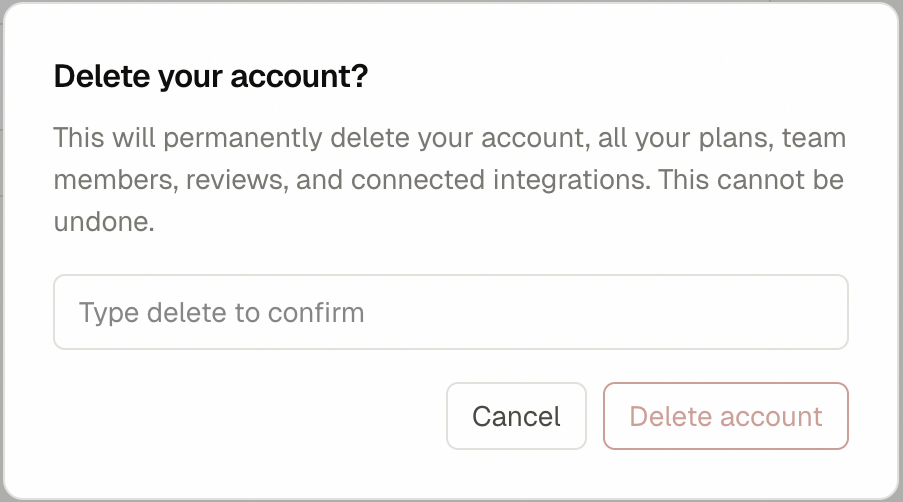 SS-030 · Delete account confirmation dialog
Before you delete
Consider exporting your plans first. Tandem does not currently have a bulk export feature — if you need a record of your plans, copy them manually before deleting.
Related
Was this helpful?
Last updated April 30, 2026