Account
Profile and settings
Your profile settings are at Settings → Profile inside the app.
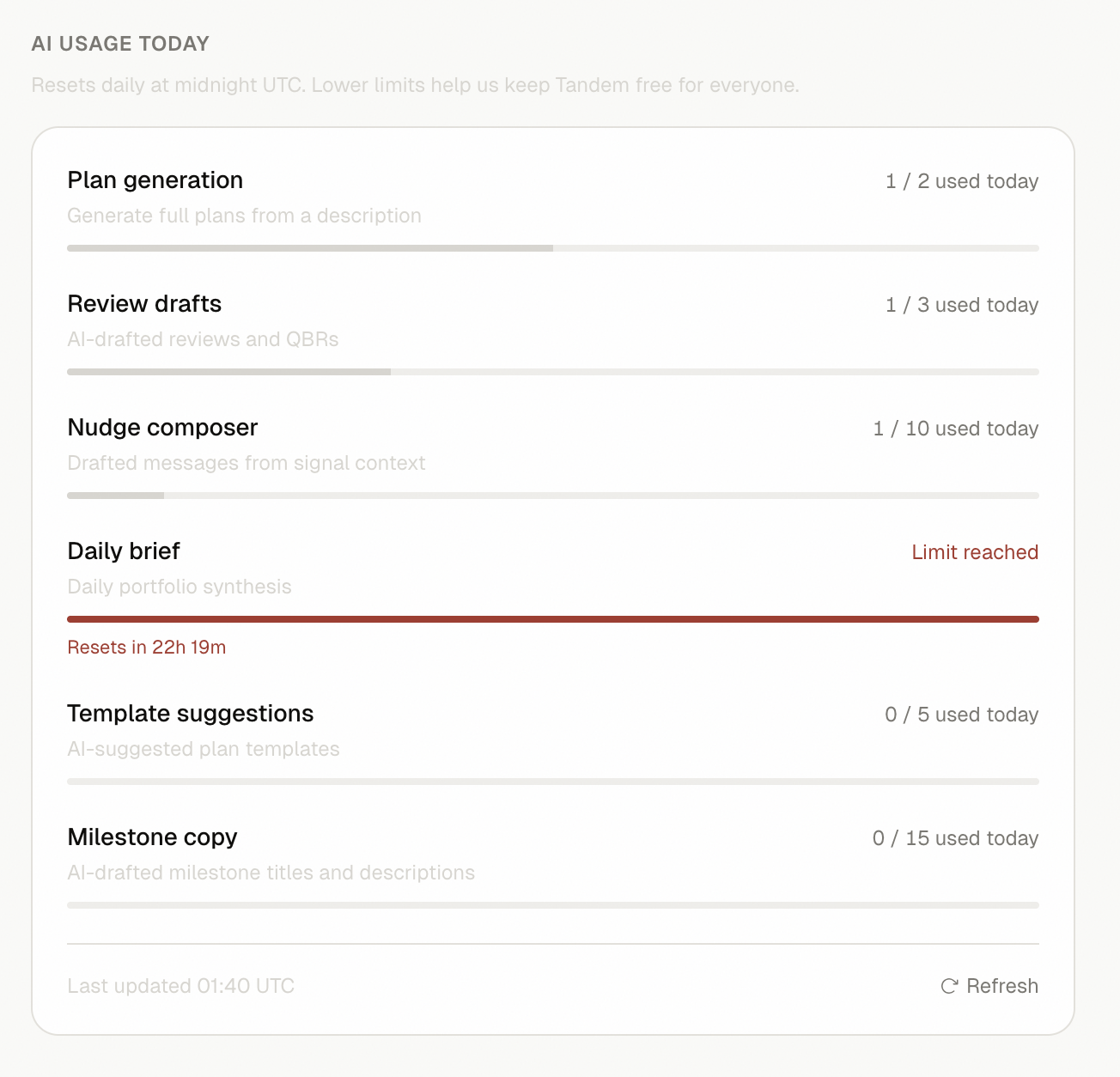 SS-029 · Settings Profile page showing display name, theme, and AI usage
Display name
Your display name appears in shared plans and on nudge messages. To update it:
- Go to Settings → Profile
- Edit the Display name field
- Click Save
Theme
Tandem supports light and dark mode. The default follows your system preference. To override:
- Go to Settings → Profile → Preferences
- Select Light, Dark, or System
Email notifications
Email notifications for signals and overdue tasks are on the roadmap.
AI usage
The Profile page shows your AI usage for the current 24-hour window — how many plan generations, review drafts, and nudges you've used against your daily limits.
Related
Was this helpful?
Last updated April 30, 2026