Features
Reviews (QBRs)
Tandem can draft a quarterly business review (QBR) or executive business review (EBR) from your plan data. No blank slides to fill in.
Generating a review
- Open a plan
- Click Reviews in the plan navigation
- Click Draft review with AI
- The AI uses your plan's outcomes, milestones, tasks, and signals to write the review
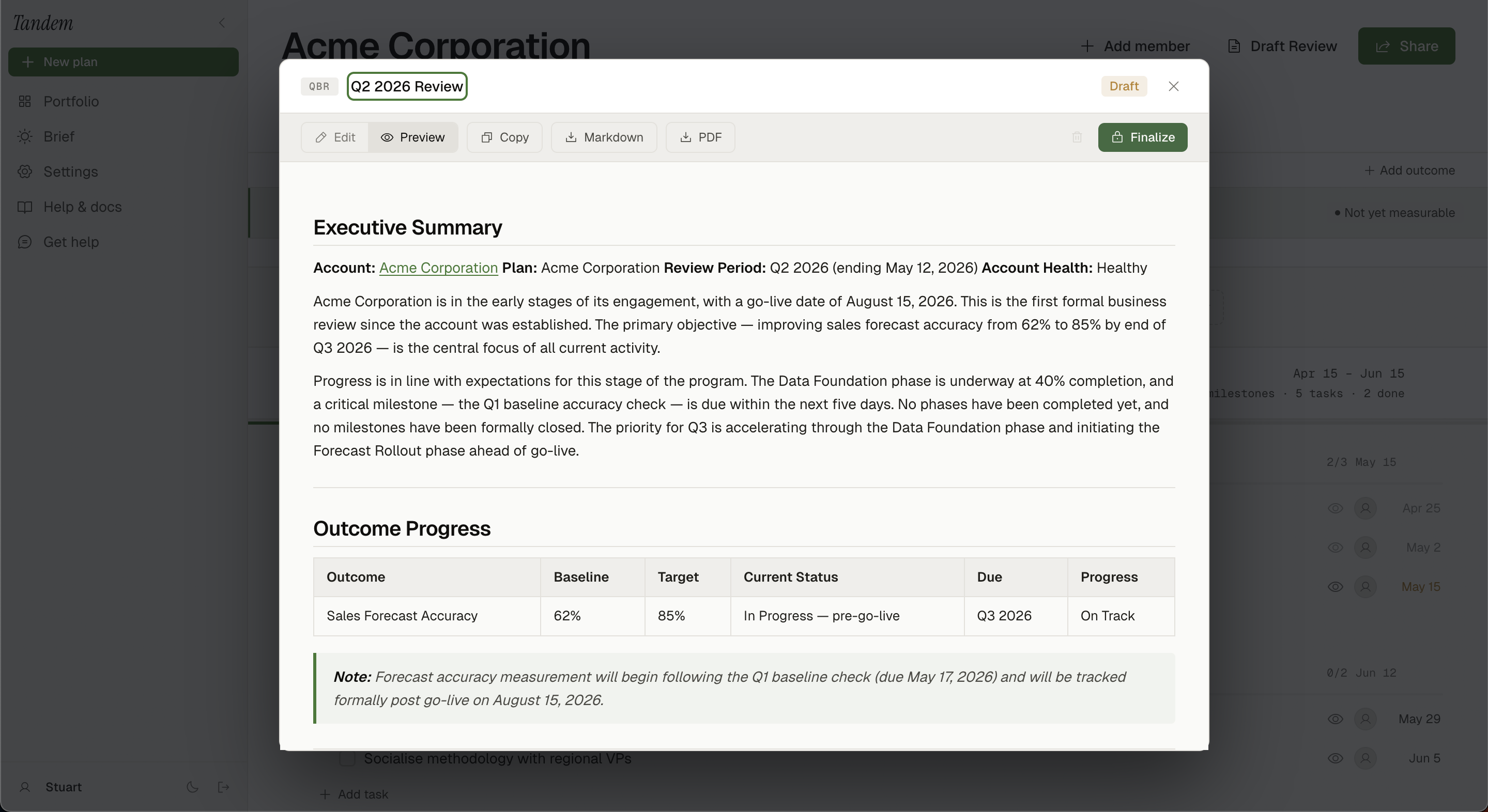 SS-021 · AI-generated QBR draft with all sections
Review sections
Generated reviews include:
- Executive summary — what was achieved this period
- Progress against outcomes — how each outcome has advanced
- Milestones completed — significant moments from the quarter
- Open items — what still needs to happen
- Next period focus — priorities for the coming quarter
Editing and sharing
After the draft is generated, you can edit it inline before sharing. The review can be:
- Shared as a read-only link (like plans)
- Copied as Markdown for pasting into a slide tool
- Downloaded as a PDF (coming soon)
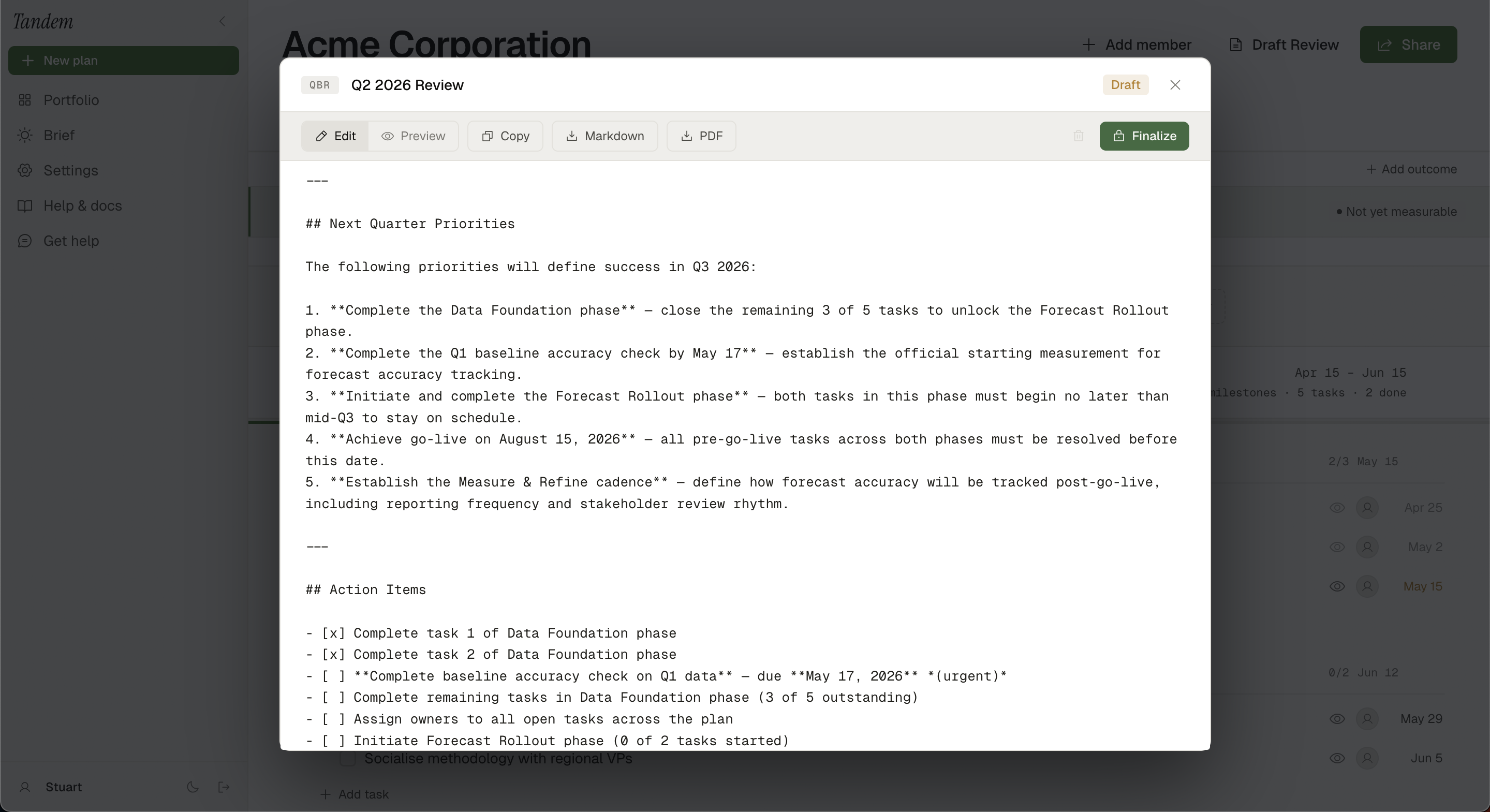 SS-022 · Review editor with inline editing active
Related
Was this helpful?
Last updated April 30, 2026